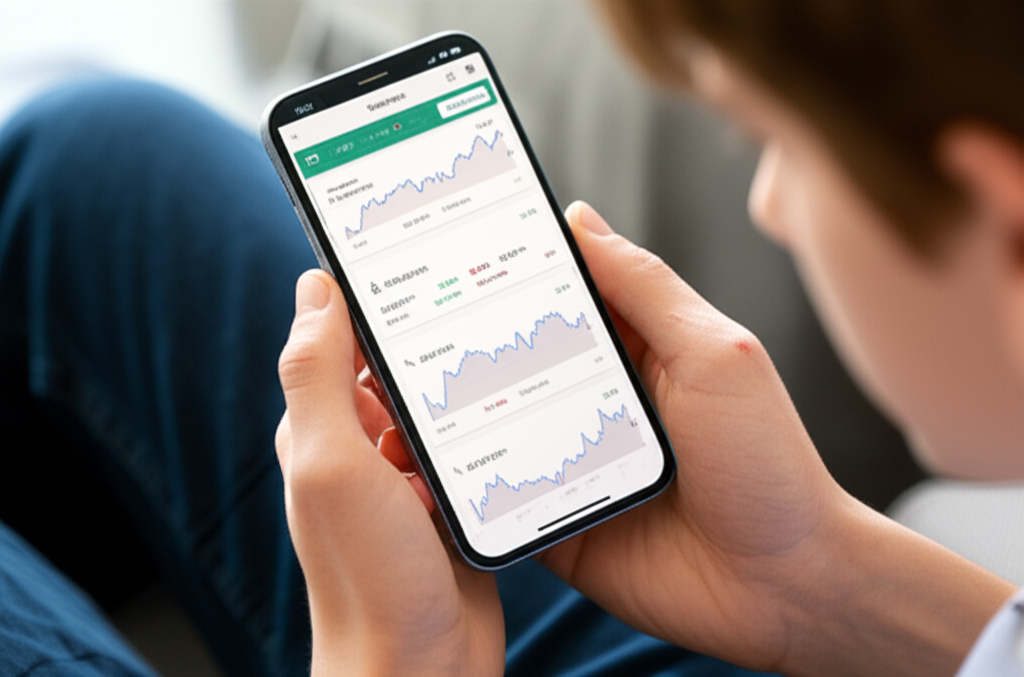
Top 5 Investing Hub Apps in the USA You Should Try
Investing has never been easier thanks to Investing Hub Apps. These apps allow you to manage investments directly from your smartphone, whether you’re a beginner or experienced investor in the USA.
Using an investing app helps you track your portfolio, learn about different investment options, and even automate your investments—all from home or on the go.
Why It Is Important
With the rise of digital finance, using an investing app is essential for smart financial management:
- Convenience: Access your investments anytime, anywhere.
- Education: Many apps provide tutorials, articles, and tips for beginners.
- Efficiency: Track multiple assets and performance in one place.
- Cost-effective: Low fees compared to traditional brokers.
Example: An app can help you start with $50, choose diversified ETFs, and track growth over months without stepping into a financial office.
Benefits / Tips
Benefits of Using Investing Hub Apps
- Real-time updates on market trends and portfolio performance.
- Beginner-friendly tutorials and guides.
- Portfolio tracking and risk analysis tools.
- Option to automate investments with recurring contributions.
Quick Tips for Choosing the Right App
- Check reviews and ratings on app stores.
- Compare fees and commissions.
- Ensure the app is secure and regulated.
- Look for educational resources if you are a beginner.
- Choose apps that allow diversification across stocks, bonds, ETFs, and crypto.
Step-by-Step Guide: Using Investing Hub Apps
Step 1: Define Your Investment Goals
- Short-term: Emergency fund or small purchases.
- Medium-term: Education, car, or home.
- Long-term: Retirement, wealth accumulation.
Step 2: Download & Register
- Search for apps on Apple Store or Google Play.
- Create an account and verify identity.
Step 3: Learn the App Features
- Explore portfolio tracking, automated investing, and research tools.
- Check tutorials for beginners.
Step 4: Start Investing
- Begin with a small investment.
- Diversify across different asset types.
- Use automated investing features if available.
Step 5: Monitor and Adjust
- Review portfolio regularly.
- Rebalance investments based on performance and goals.
- Increase investment amounts gradually as confidence grows.
Top 5 Investing Hub Apps in the USA (Examples)
- Robinhood: Beginner-friendly, commission-free stock and ETF trading.
- Acorns: Automatically invests spare change, ideal for small budgets.
- Stash: Personalized investment guidance for beginners.
- Betterment: Robo-advisor app with automated portfolio management.
- Fidelity Mobile App: Full-service investing with research and guidance tools.
Conclusion
Investing Hub Apps make investing simple, convenient, and accessible for beginners and experienced investors in the USA.
✅ Start small and grow your portfolio
✅ Access educational tools and tutorials
✅ Manage investments from anywhere
Remember: Consistency, diversification, and learning are key to long-term investing success.
FAQs
Q1: What is an Investing Hub App?
A: It’s a mobile platform that lets you invest, track, and manage your portfolio from your smartphone.
Q2: Are these apps safe?
A: Yes, reputable apps are regulated and secure. Always check reviews and licenses.
Q3: How much should beginners invest initially?
A: Even $50–$100 monthly is enough to start. Consistency matters more than the amount.
Q4: Can I invest in multiple assets using one app?
A: Yes! Most apps allow investments in stocks, ETFs, bonds, and even cryptocurrency.
Q5: Which app is best for beginners?
A: Apps like Robinhood, Acorns, and Stash are beginner-friendly with easy-to-use interfaces.
